

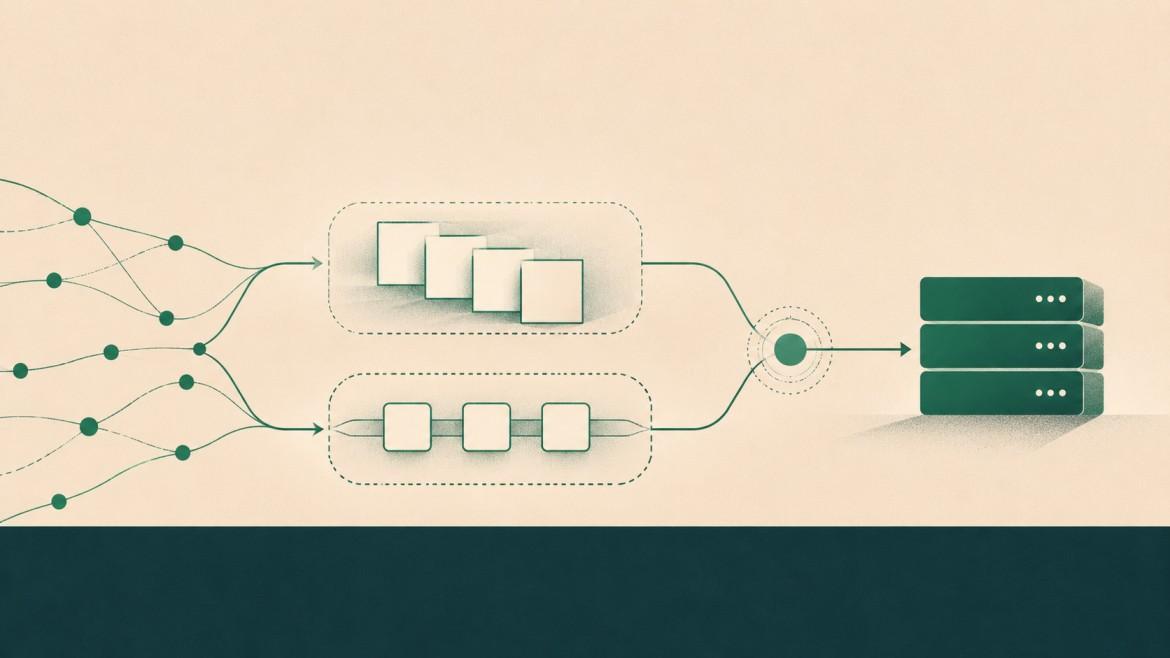
Editorial note: Slice-based batch processing and bounded concurrency through channels are often viewed as interchangeable techniques, where the latter is thought of as a smart yet costly solution. This article argues against this view: both methods address different concerns, and the semaphore is almost always the better default choice to control concurrency. The use of chunks adds waiting after each chunk boundary; the semaphore doesn't. Batching - grouping several operations together as a single item to be processed - is the third approach.
"Batch processing" in Go may refer to at least three distinct concepts: a fixed number of items to be processed at a time, the limitation of the number of concurrent tasks, and grouping several items together as a single operation to be performed. It looks very similar when reviewing the code. However, their behavior under load differs a lot.
All examples in this article require Go 1.25 and above: they make use of slices.Chunk (introduced in Go 1.23) and sync.WaitGroup.Go (introduced in Go 1.25), which does away with the well-known Add/Done combination. Since Go 1.22, loop variables are recreated on each iteration, so we don't have to assign x := i anymore before kicking off the goroutines.
Approach 1: fixed chunks
The instinctive solution is to slice the input into groups of ten, run each group concurrently, and wait for it to finish before starting the next.
package main

import (
	"fmt"
	"slices"
	"sync"
)

const limit = 10

func main() {
	data := make([]int, 100)
	for i := range data {
		data[i] = i
	}
	processInChunks(data)
}

func processInChunks(data []int) {
	for chunk := range slices.Chunk(data, limit) {
		var wg sync.WaitGroup
		for _, x := range chunk {
			wg.Go(func() {
				fmt.Println(x) // real work goes here
			})
		}
		wg.Wait() // the whole chunk waits for its slowest item
	}
	fmt.Println("done")
}
This is very true and logical: no more than ten items in the air, and each item finishes before the next starts. The main cost is not the wg.Wait()call itself, but the synchronization barrier it introduces. The next chunk cannot start until every task in the current chunk has completed, regardless of how many workers have already become idle. Every boundary of a chunk acts as a barrier, and every one of them moves as slow as its slowest element.
Approach 2: the sliding limit
A buffered channel could serve as a counting semaphore, as described in this post on Go semaphores. An item claims its place before processing and releases it after completion.
func processWithLimit(data []int) {
	sem := make(chan struct{}, limit)
	var wg sync.WaitGroup
	for _, x := range data {
		sem <- struct{}{} // blocks while `limit` items are in flight
		wg.Go(func() {
			defer func() { <-sem }() // always free the slot
			fmt.Println(x)
		})
	}
	wg.Wait()
	fmt.Println("done")
}
Send occurs in the loop before starting the goroutine, so only at most ten goroutines will be active simultaneously. The empty struct{} has zero size so the channel doesn’t need to store a payload for each token. The channel itself still has runtime and synchronization overhead; conceptually, each buffered slot represents permission to start another task.
The key factor is the absence of barriers. As soon as one item is processed, the next one is started. Once limit is reached, the producer blocks until a running task release a slot. A new task can then start immediately, without waiting for the other tasks in the previous group to finish. This keeps available concurrency capacity better used when tasl durations vary.
Why a simple benchmark can be misleading
If both implementations are tested with tasks that have approximately equal execution times, their total completion times may be very similar. This does not demonstrate that the approaches are equivalent. It simply means the benchmark dоes not expose the main weakness of fixed chunks: waiting for a slow task while other concurrency slots remain idle. In addition, using fmt.Println introduces I/O and synchronisation overhead that can obscure the scheduling behaviour being measured. Make each task to do different amount of work and the difference will be seen:
func work(x int) {
	time.Sleep(time.Duration(rand.IntN(100)) * time.Millisecond) // math/rand/v2
	fmt.Println(x)
}
Network calls, disk reads and database queries all have variable latency. That is exactly the workload where fixed chunks waste capacity and a sliding limit does not. Nor is the channel an expensive indulgence: a send and receive per item is negligible next to any real work, and it is the waiting at chunk boundaries that costs time.
The production version
Real code needs errors and cancellation, which neither example handles. The errgroup package in golang.org/x/sync provides both, and its SetLimit method is built on the same buffered-channel semaphore:
g, ctx := errgroup.WithContext(ctx)
g.SetLimit(limit)

for _, x := range data {
    g.Go(func() error {
        return handle(ctx, x)
    })
}

return g.Wait()  // waits for all submitted tasks and returns the first error
For very large inputs, a fixed pool of workers reading from a channel avoids launching one goroutine per item at all.
Batching that is actually batching
Neither approach above batches in the sense most systems care about: both still process items one at a time. Genuine batching makes a group the unit of work — one database insert of 500 rows, one API call carrying 50 records — to cut per-call overhead. Here slices.Chunk earns its place, and it combines naturally with a concurrency limit:
g, ctx := errgroup.WithContext(ctx)
g.SetLimit(4)
for batch := range slices.Chunk(records, 500) {
	g.Go(func() error {
		return store.InsertMany(ctx, batch) // your bulk API
	})
}
return g.Wait()
Picking the right tool
Apply fixed chunks where the limits carry meaning and one group needs to complete before another can start. Apply a sliding limit, preferably with errgroup, where you want to limit concurrency but maintain throughput. Apply true batch where the downstream system gains from working in bulk. And set the limit to the job at hand: runtime.NumCPU() for CPU-intensive tasks and more for I/O. If the goal is to cap requests per second rather than requests in flight, that is rate limiting, and golang.org/x/time/rate is the tool.
The apparently simplest code isn't always the fastest and the apparently most clever isn't always the most costly. Here, the trickiest one turns out to be the one that keeps all the slots full.